Let visitors enlarge text, change contrast or reduce animations. Each person can adjust how the website is displayed to suit their needs.
Fewer barriers in everyday use of your website
Small text, an image without a description or a hard-to-use form can stop a visitor. DockAccess helps you find these problems, plan fixes and check what changed after they go live.
Scan your website and see the problems found, with tips on how to fix them. The report gives your team a concrete starting point for accessibility work.
Check selected pages on a regular schedule. Compare results and catch new barriers that appear after content changes or new releases.
Prepare suggested image descriptions with the help of AI. Review them and adapt them to the context, so that people using screen readers better understand your content.
Prepare a draft of the document based on information about the website and the analysis results. Complete the details and the assessment of elements that need to be checked by a person.
Go beyond an automated scan. Experts assess keyboard navigation and screen reader support, among other things, and show you how to remove the barriers they find.
See where to start
Run a free scan of your website. Review the problems found and plan your first fixes.
See how DockAccess helps
A website that adapts to the user
Small text or intense animations can make reading difficult. The widget lets people change selected display settings without looking for them in the browser. You can match the look and position of the widget to your website.

A report you can start working with
The automated audit shows the problems found, where they occur and what to do about them. The person managing the website and the technical team can work from the same report. After the fixes, another analysis helps you check their effect.

Image descriptions without starting from an empty field
The ALT generator helps you prepare descriptions of photos and graphics. You get a suggestion you can review, correct and use on your website. Less manual writing, while you keep control over the content.

WCAG guidelines help remove barriers
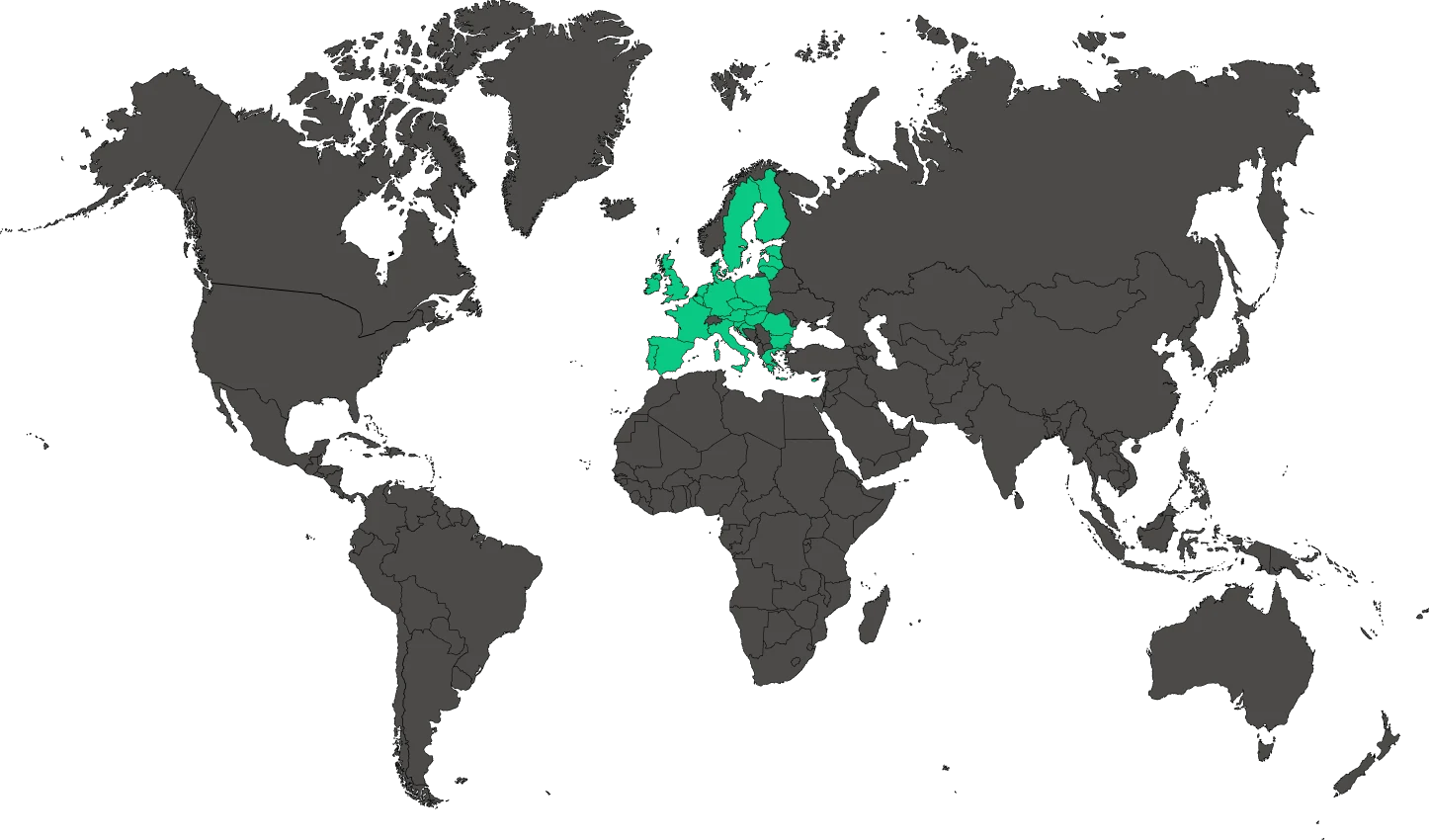
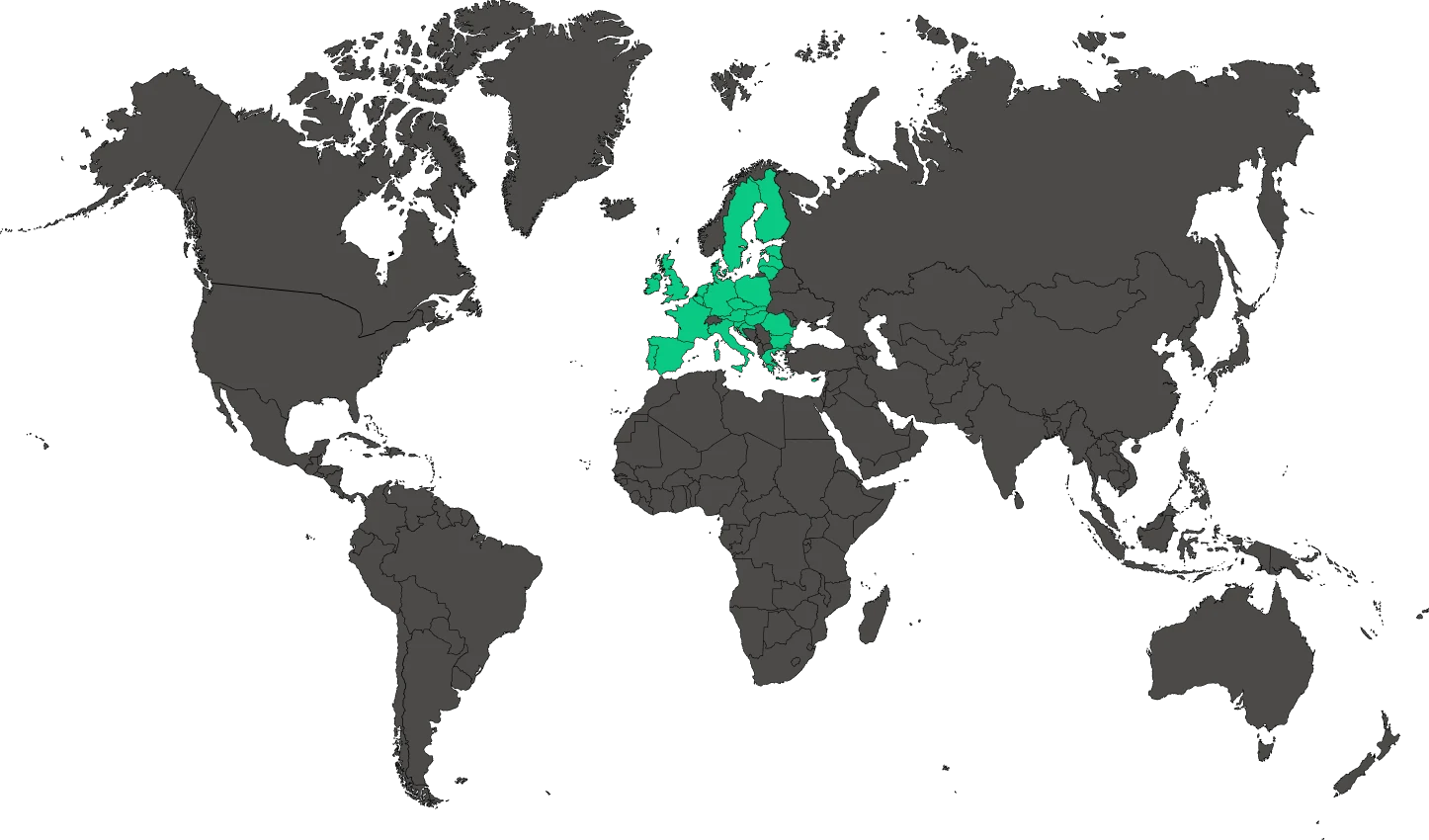
Accessibility of services on the European market
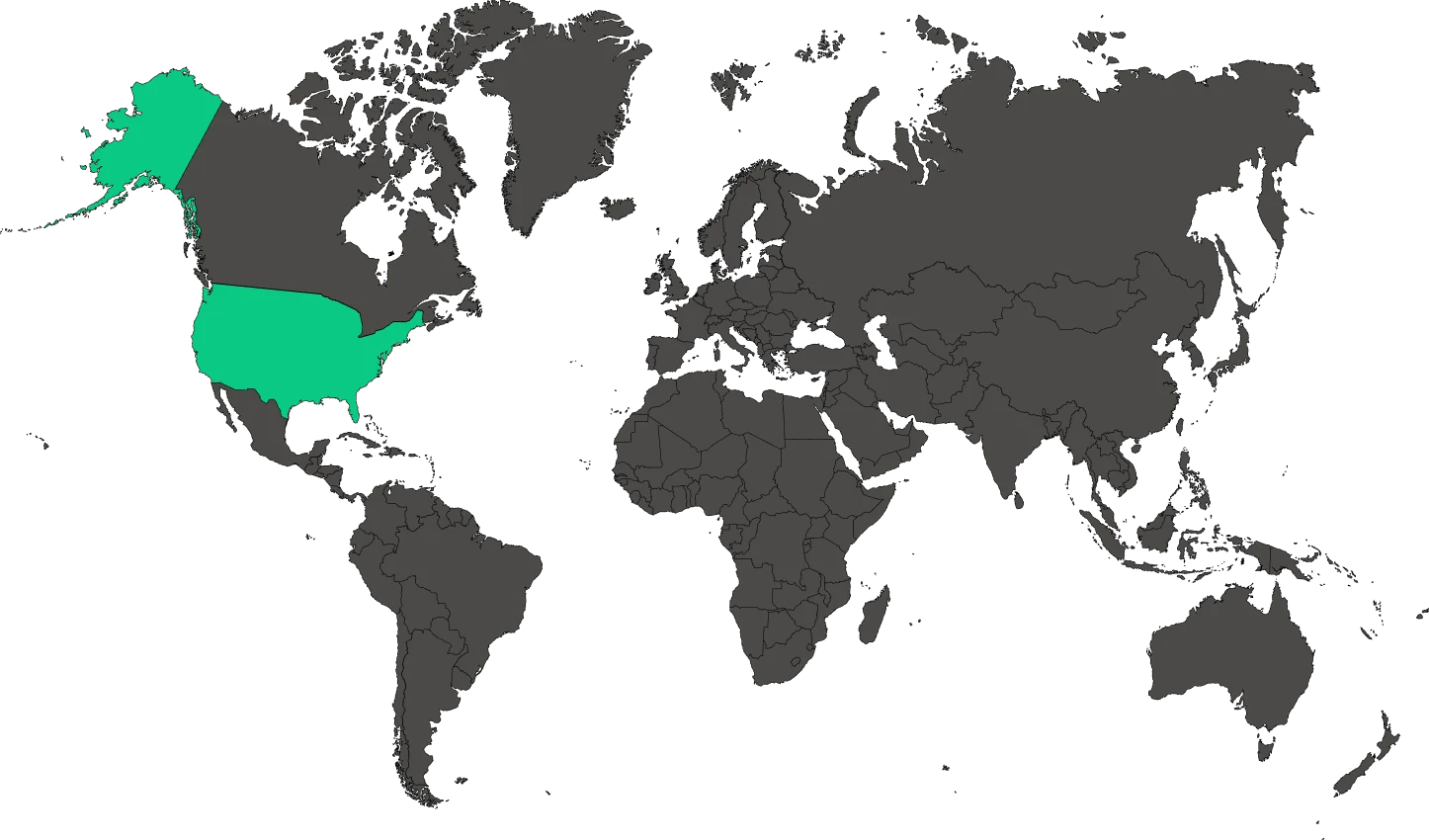
Accessibility on the US market
WCAG describes the principles of creating accessible content and interfaces. DockAccess helps you detect problems that can be checked automatically and supports your accessibility work. A full assessment of a website also includes tests carried out by a person.
The European Accessibility Act covers selected products and services, including e-commerce. When working on a website, it is worth checking the whole user journey, from discovering the offer to completing a purchase.
The ADA protects people with disabilities from discrimination in the United States. Accessibility also applies to using services online. Clear content and a website that works with a keyboard or a screen reader help remove barriers to accessing these services.
From the first scan to the next fixes
Questions about DockAccess
Let’s talk about your website’s accessibility
What can I try for free?
You can start with an automated scan and the free version of the widget. Selected tools also offer free access with set limits. You will find the current scope in DockAccess, separately for each tool.
Does DockAccess work on my current website?
You can analyse an existing website and add the widget to it. There are integrations with popular systems such as WordPress, PrestaShop, Joomla and Drupal, as well as solutions for custom-built applications.
How does an automated audit differ from an expert audit?
An automated audit quickly checks the rules that a tool can assess. Experts also look at how the website works in practice, for example with a keyboard and a screen reader. The two methods complement each other.
How does the widget support accessibility?
The widget helps people adjust how the website is displayed. Accessibility also depends on the code, content and behaviour of the website. That is why it is worth combining the widget with an audit and with fixing the barriers found.
Can I check accessibility after further changes?
Yes. Monitoring analyses selected pages on a regular schedule. The history of results helps you see whether new content or a new release has introduced more problems.
Can I edit ALT descriptions prepared by AI?
Yes. The generator creates suggestions that you can correct before using them on your website. It is worth checking whether a description conveys the meaning of the image in that place and helps people understand the content.
Will the generator prepare a finished accessibility statement?
The generator helps you prepare a draft of the document. The details need to be verified and completed with information from a manual assessment. The statement should describe the actual state of the website.
Will you help me fix the problems found?
Yes. The DOCK team can help you analyse the results, plan the fixes and implement them on your website. The scope of an expert audit and implementation work is agreed separately.
What DockAccess users say
Start with what you need
Try the free tools and choose the scope that suits your website. You can expand the features or get help from experts.
Free
€0 net / month
- All widget features
- Up to 5,000 views a month, 1 site
Paid plans
from €19 net / month
- From 50,000 views to no limit
- From 3 to 100 sites
Free
€0 net / month
- Up to 5 audits a day after signing in
- Report with recommendations
Paid plans
from €29 net / month
- From 1,500 to 15,000 scans a month
- Monitoring of 3 to 20 sites
Free
€0 net / month
- Up to 10 images a day
- Basic AI quality
Paid plans
from €10 net / month
- From 500 to 20,000 images a month
- CMS integrations and API
Scope for your website
Individual quote
- Keyboard and screen reader tests
- Report and a walkthrough of the results
Free
€0 net / month
- 2 generations a month
- No payment card
Paid plans
from €10 net / month
- From 10 to 100 generations a month
- Your statement kept up to date
